Visual facility map
Build a practical map with zones, assignable locations, open areas, driveways, docks, aisles, and perimeter blocks. Saved positions, dimensions, and rotations load from the facility database.

Physical space, clearly managed

The operating system for independent storage lots, marinas, RV sites, and yards.
Bring customers, assets, liability releases, requests, agreements, payments, and facility activity into one practical place—without forcing every operation to work the same way.
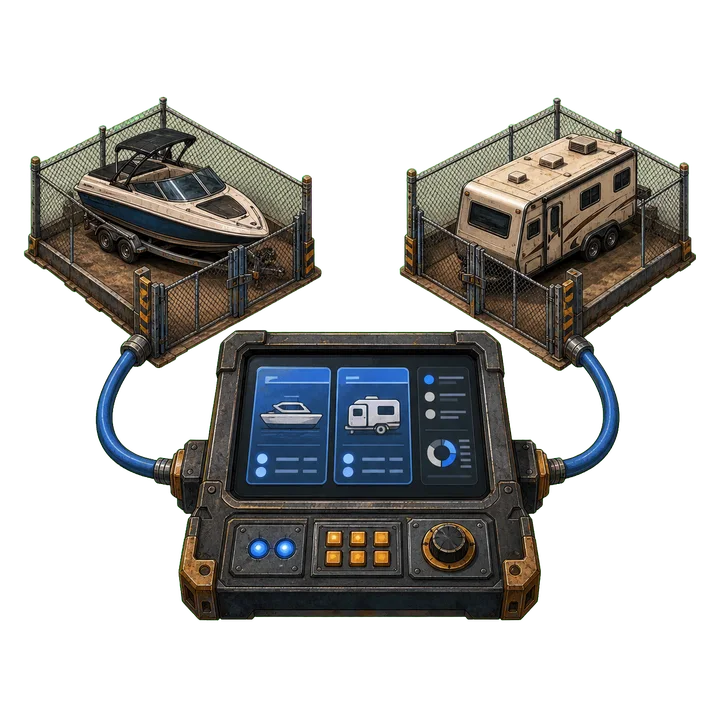
What OpenStorage handles
Some facilities have numbered spaces. Some have open parking, dock slips, RV sites, or yard zones. OpenStorage supports flexible layouts, then adds the daily tools a small operation needs to look professional without becoming complicated.
Build a practical map with zones, assignable locations, open areas, driveways, docks, aisles, and perimeter blocks. Saved positions, dimensions, and rotations load from the facility database.
Run a flexible open layout, a fully assigned location layout, or a mix. Available, reserved, unavailable, and occupied locations stay visible to staff.
Every boat, RV, vessel, trailer, vehicle, or piece of equipment gets a random six-character asset code and a scannable QR record.
Customers can review and sign a facility-specific release from their phone. Staff can edit the template, preview the customer flow, reset back to the default wording, upload paper releases, and keep signed PDFs with the customer file.
Staff can capture multiple asset photos from a phone, record make/model/color/plate/registration details, and keep everything tied to the customer.
Owners, managers, office staff, field attendants, and accounting users see the tools that fit their job.
Facilities connect their own Stripe account. Customers pay through secure hosted checkout and billing pages, so staff do not manually type card numbers.
Customers join by facility invitation, view their assets and agreements, request changes, cancel service, and message the facility.
Generate clean browser-opening PDFs for customers, inventory, agreements, payments, requests, and a readable data export if a facility ever leaves.
For facility teams
Open areas, zones, designated locations, slips, sites, or a mix: configure the operation you actually run, then give every team member a reliable workflow.

We intentionally onboard each business, its locations, Owner, and staff roles.
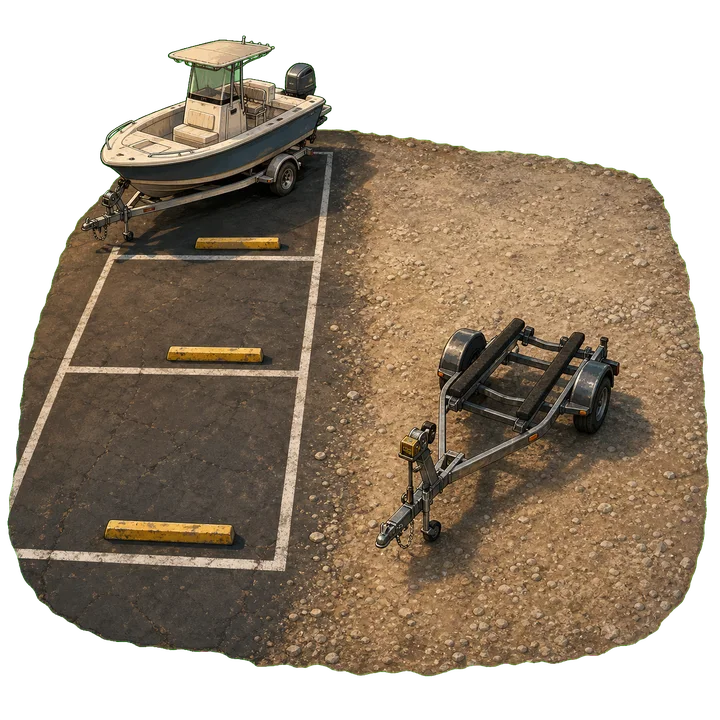
Draw zones, assigned locations, open areas, driveways, docks, aisles, and perimeter blocks so staff can see the operation at a glance.

Send a single-use email link or connection code. Existing users simply connect, then complete required customer actions.

Verify customer details, confirm or upload the liability release, photograph the asset, record identifying information, and place it on the map when applicable.

Every asset receives a six-character code and a printable, scannable QR label.

Manage rates, agreements, recurring billing, requests, messages, reports, and operational history.
OpenStorage creates the facility and sends the owner a secure setup code.
Facilities can use a paid subscription or a platform-issued access code.
When ready, the facility connects its own Stripe account so customer payments go to the facility.
For customers
There is no public customer signup. Your facility sends a secure invitation that creates your account or connects an existing account—even if you use more than one facility.
Create an account through the link or enter the code your facility gives you.

Request service, share asset information, and complete required customer actions like the liability release.
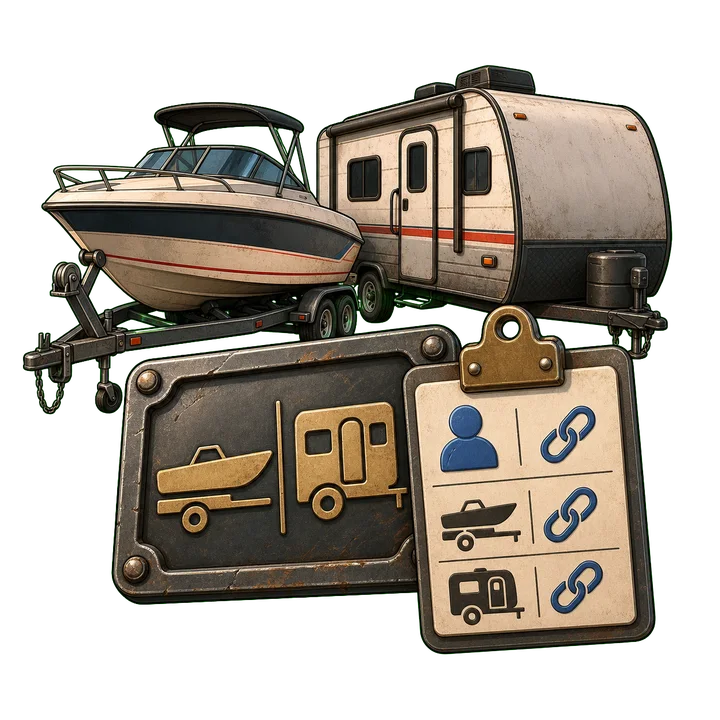
Staff confirms availability, completes intake photos, assigns location when needed, and connects the asset to your record.
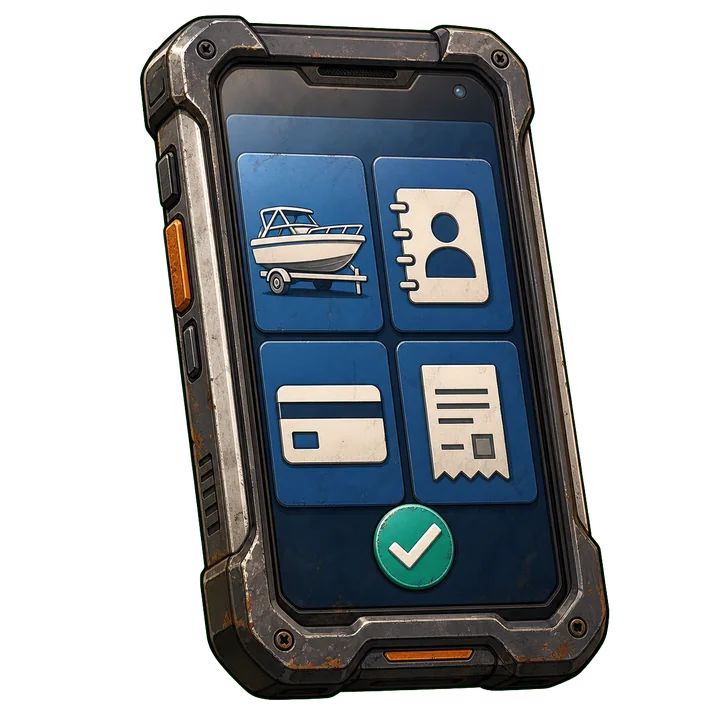
See agreements, invoices, receipts, requests, cancellations, assets, and facility messages.
From the office to the field

Active customers, current assets, open requests, releases, past-due agreements, messages, and daily work stay visible by role.

Facility owners complete secure Stripe onboarding, then customers pay through hosted checkout and billing pages.

Open clean PDF reports and signed customer documents in the browser for daily review, bookkeeping, and off-ramp exports.

Move-outs and cancellations close the current relationship cleanly while preserving prior customers and asset records.
Facility access
OpenStorage facilities are onboarded personally—not through an anonymous self-service signup. Send the basics and we will talk through the facility layout, workflow, customer release needs, Stripe setup, and fit.

This is only a request. It does not create an account, begin a subscription, or charge a card. If it is a fit, we create the facility and send owner access directly.